VANKPA
Start a project

Project inquiry

Tell us where the customer journey gets stuck.

Share your website, the problem, and the change you need. The form prepares an email for you to review and send in your email app.

Prepare your brief

A few details. A useful starting point.

This form prepares a draft in your browser. Review it, then choose how to send it.

hello@vankpa.com
+1 980 900 2779

Please leave out sensitive personal information and credentials. Nothing is submitted automatically. Privacy notice.

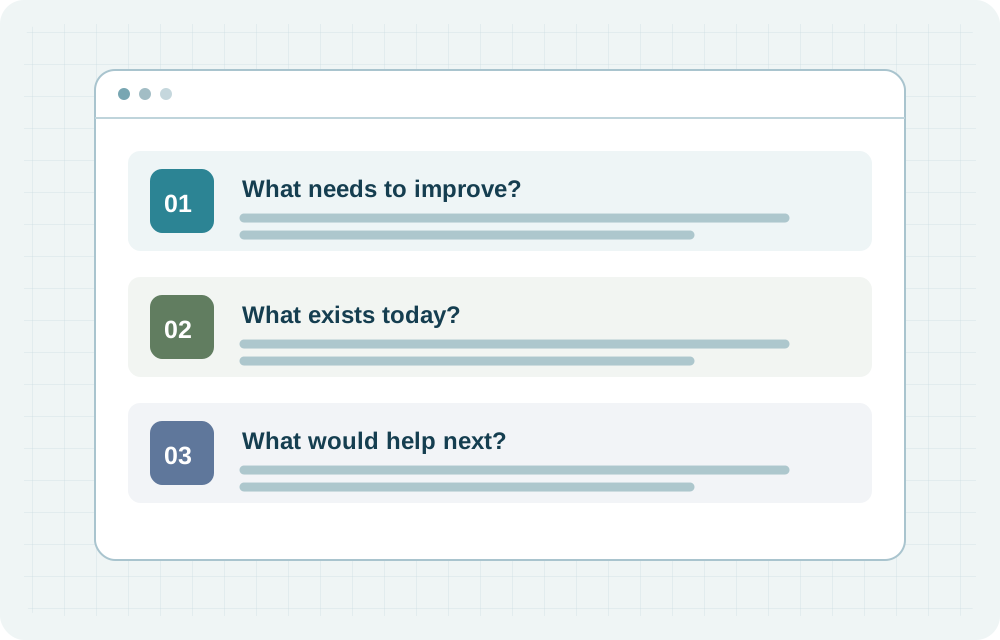
What needs to improve?: Describe the customer task or operational handoff causing friction.; What exists today?: Include the current website, tools and the person who owns the work.; What would help next?: Share the timing, constraints and decision you need to make.
The work, made visible

A useful brief fits on one page

  1. 01
    What needs to improve?

    Describe the customer task or operational handoff causing friction.

  2. 02
    What exists today?

    Include the current website, tools and the person who owns the work.

  3. 03
    What would help next?

    Share the timing, constraints and decision you need to make.

Practical planning view. Final scope is agreed before work starts.

The essentials

What happens after you email?

Your brief starts a fit conversation. It does not book a slot or commit either side to a project.

01

Share the essentials

  • Include your website, the customer or team problem, and your preferred timing.
  • A planning budget and the tools you use help narrow the options.

02

Clarify the fit

  • Van reviews the context and may ask for a short conversation or additional detail.
  • The next step may be a focused review, a scoped build, or no engagement.
03

Agree before starting

  • Review the proposed scope, costs, schedule and responsibilities.
  • Access and sensitive information should use an agreed secure channel, not this brief.

A few useful answers

Before you begin.

Do I need a full project brief?

No. A website link and a short explanation of the problem are enough to start the conversation.

Does the form send my inquiry?

No. It prepares an email. You review and send it through your email app, or copy it into an email to hello@vankpa.com.