
Websites that make the next step clear
Help customers understand your services, see relevant proof, and inquire or book on any screen. Website builds start at $8,500.
Explore website work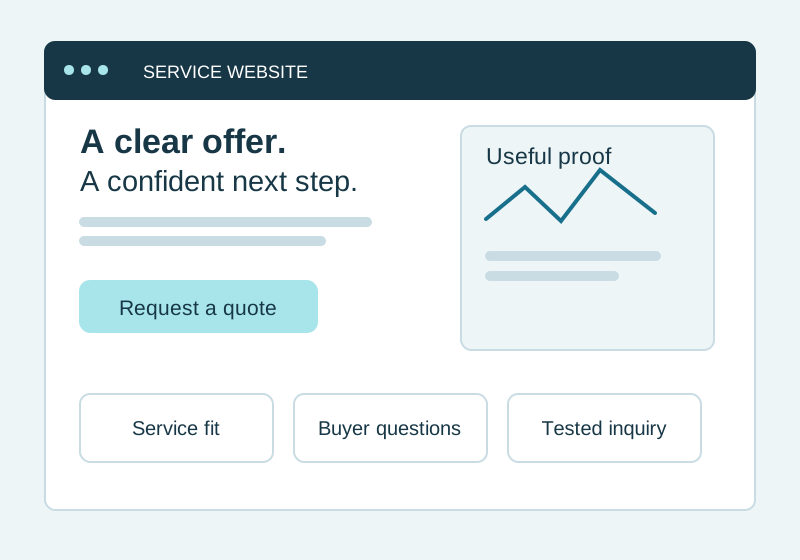
 VANKPA
Four focused starting points
Make your services easier to understand, connect a repeatable task, or bring key business numbers into one view. Agree on the scope, who is responsible, and how to check progress before work begins.

Choose your starting point
Help customers understand your services, see relevant proof, and inquire or book on any screen. Website builds start at $8,500.
Explore website workConnect one repeatable process across your tools, with clear ownership, review steps, and a way to handle exceptions.
Explore workflow automation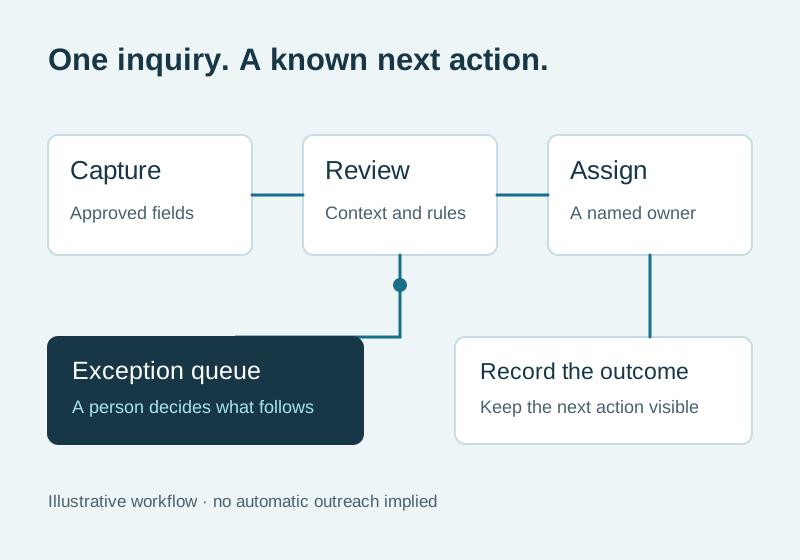
Bring the numbers your team acts on into one clear view, with agreed definitions and visible data sources.
Explore reporting and dashboards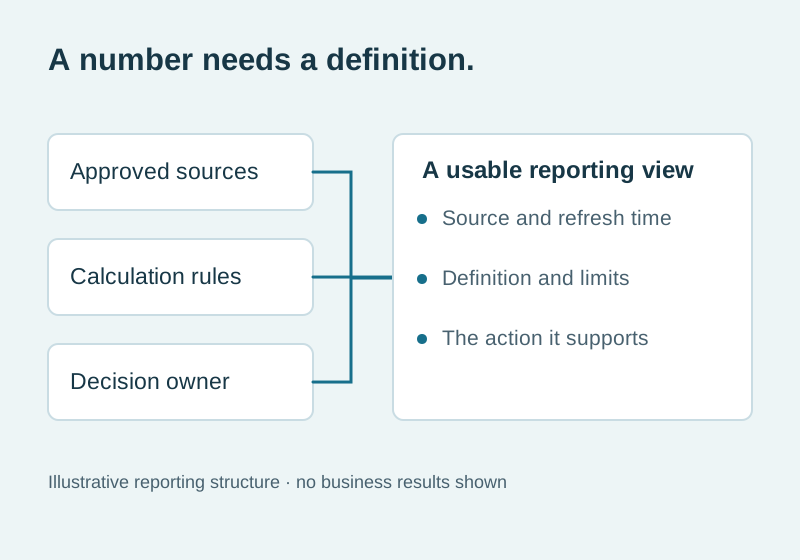
Find the most useful first change before committing to a larger build. The focused review starts at $1,750.
Start with a review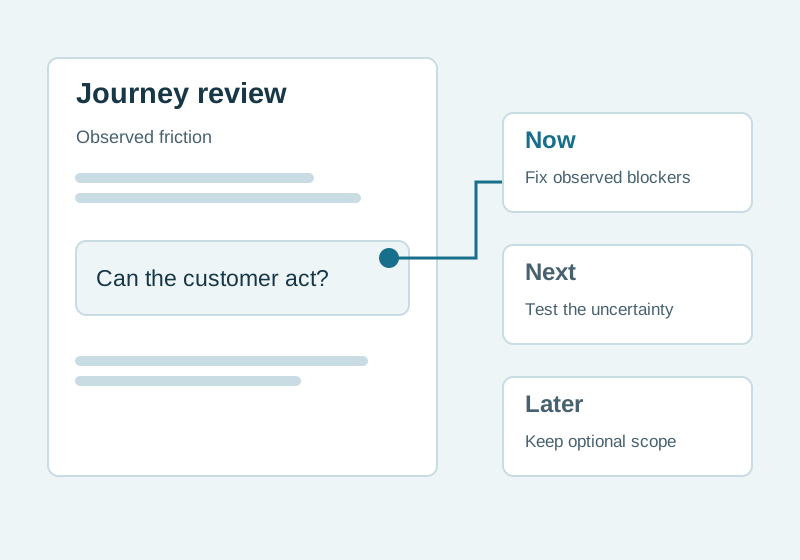
For owner-led service businesses and small teams. Website care, supporting graphics, and selective mobile or app work are available when the core project needs them.
The essentials
If several problems need attention, a review helps you choose where to start.
How delivery connects
Website pages and a clear inquiry path help a buyer take the next step.
One workflow connects an inquiry, its owner and the next action.
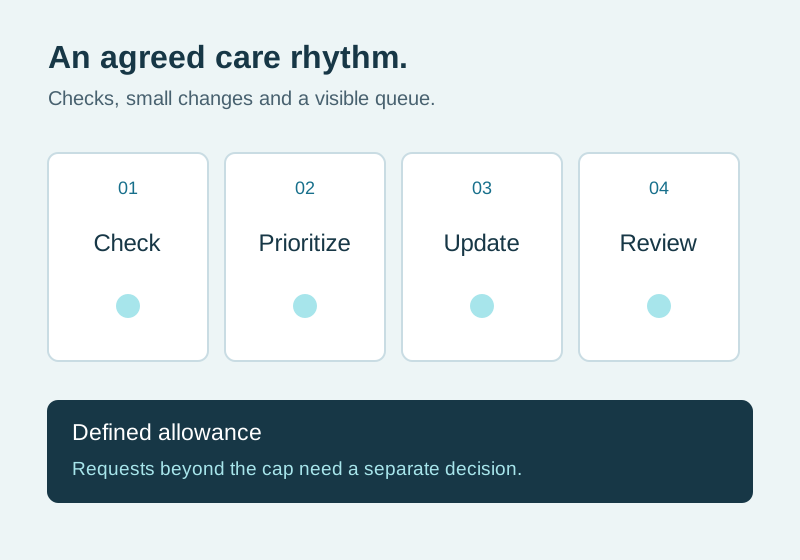
An agreed care queue supports checks and small improvements after handover.
Practical planning view. Final scope is agreed before work starts.
Support around the core
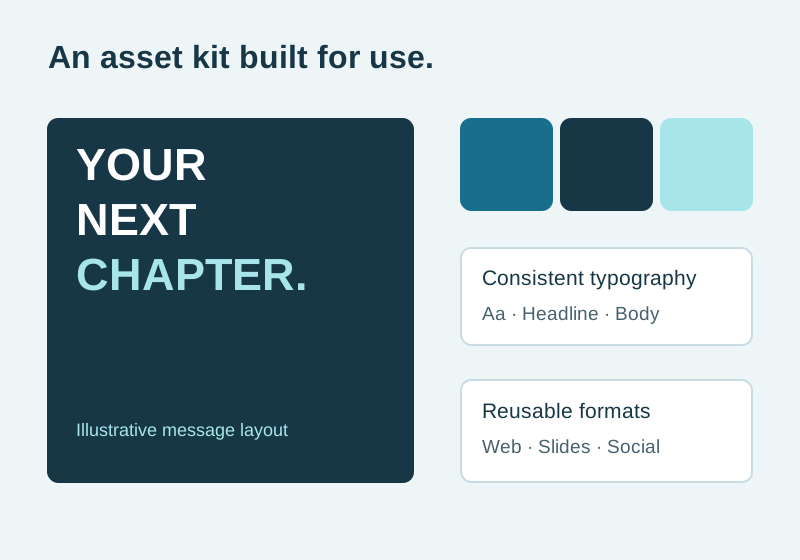

Add website care, brand graphics, or local search support when the project needs it. Each has an agreed scope; custom apps begin with discovery and a review of existing tools.
Clear from the start
Unlimited revisions, unrestricted integrations, paid advertising, third-party fees, and guaranteed commercial outcomes are outside these offers.
A few useful answers
The Website & Workflow Review checks your customer journey, repeatable work, and available evidence, then defines a prioritized next step. Improving an existing tool or changing nothing yet can be the right decision.
Yes. A website, one workflow, a focused reporting view, or a review can be scoped separately. Ongoing care is optional and has a written allowance.
A useful first step
A short brief is enough to start the conversation.
Start a conversation