 VANKPA
The decision
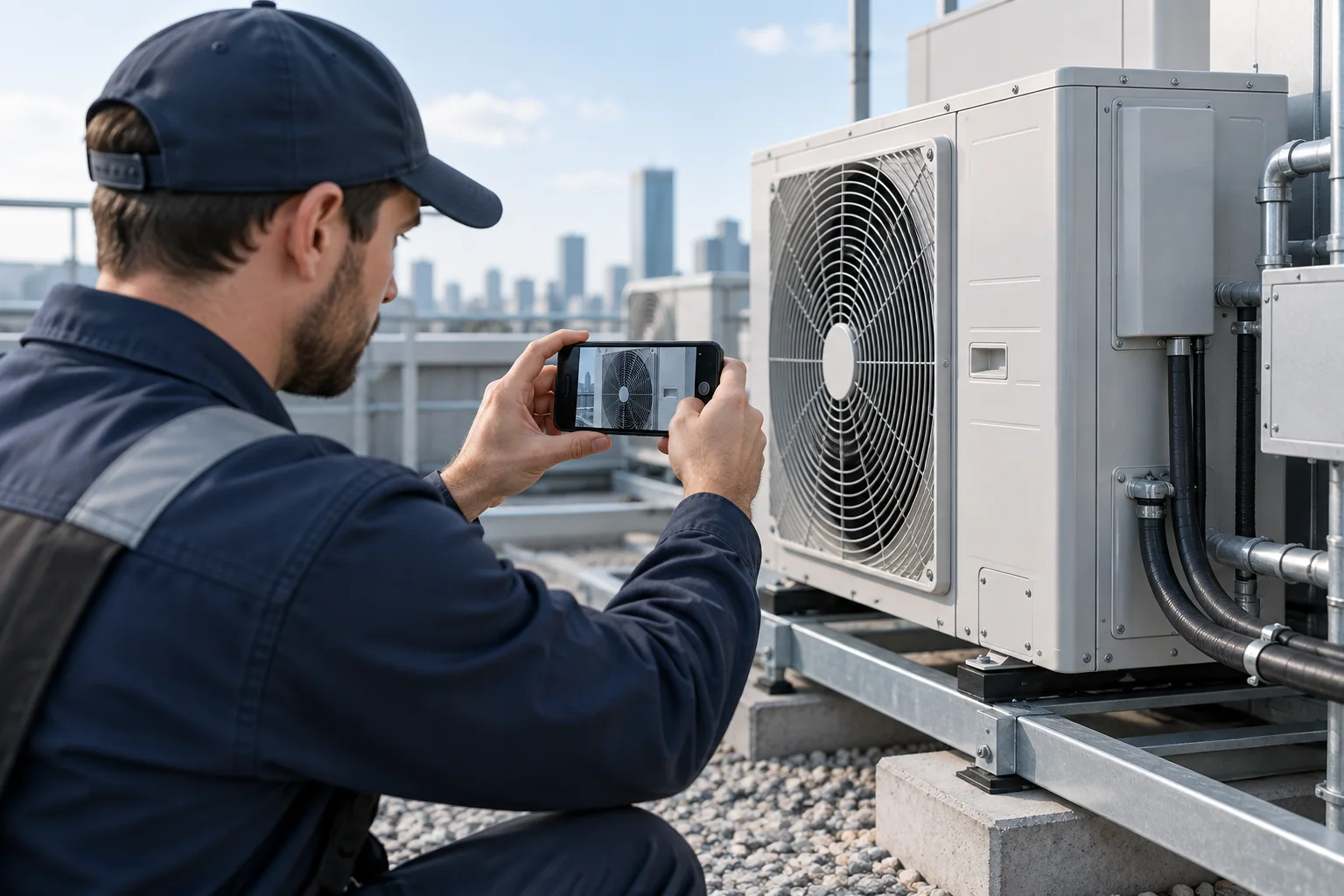
Photo capture is only the first step in a field workflow. The app should show whether an image is saved locally, queued, uploading, or received. Users need confidence that leaving a screen will not silently discard their work.
In practice
A technician in a weak-signal basement may finish a job before the upload completes. Preserve the queue and make failures recoverable. Be clear about device storage, permissions, and any sensitive information visible in the photo.
- Test large images, interrupted networks, app restarts, and repeated taps.
- Define compression, upload limits, record association, and duplicate behavior.
- Confirm how users see a successful receipt and how long local copies remain.
When to take the next step
Test uploads before a field pilot, using actual work conditions and representative image sizes. Observe what happens when connectivity disappears after capture but before receipt.
Questions clients ask
Should users have to take the photo again?
Avoid that when a saved local copy can be retried safely.
What should an upload status say?
Use a clear state and actionable recovery step, not an indefinite spinner.